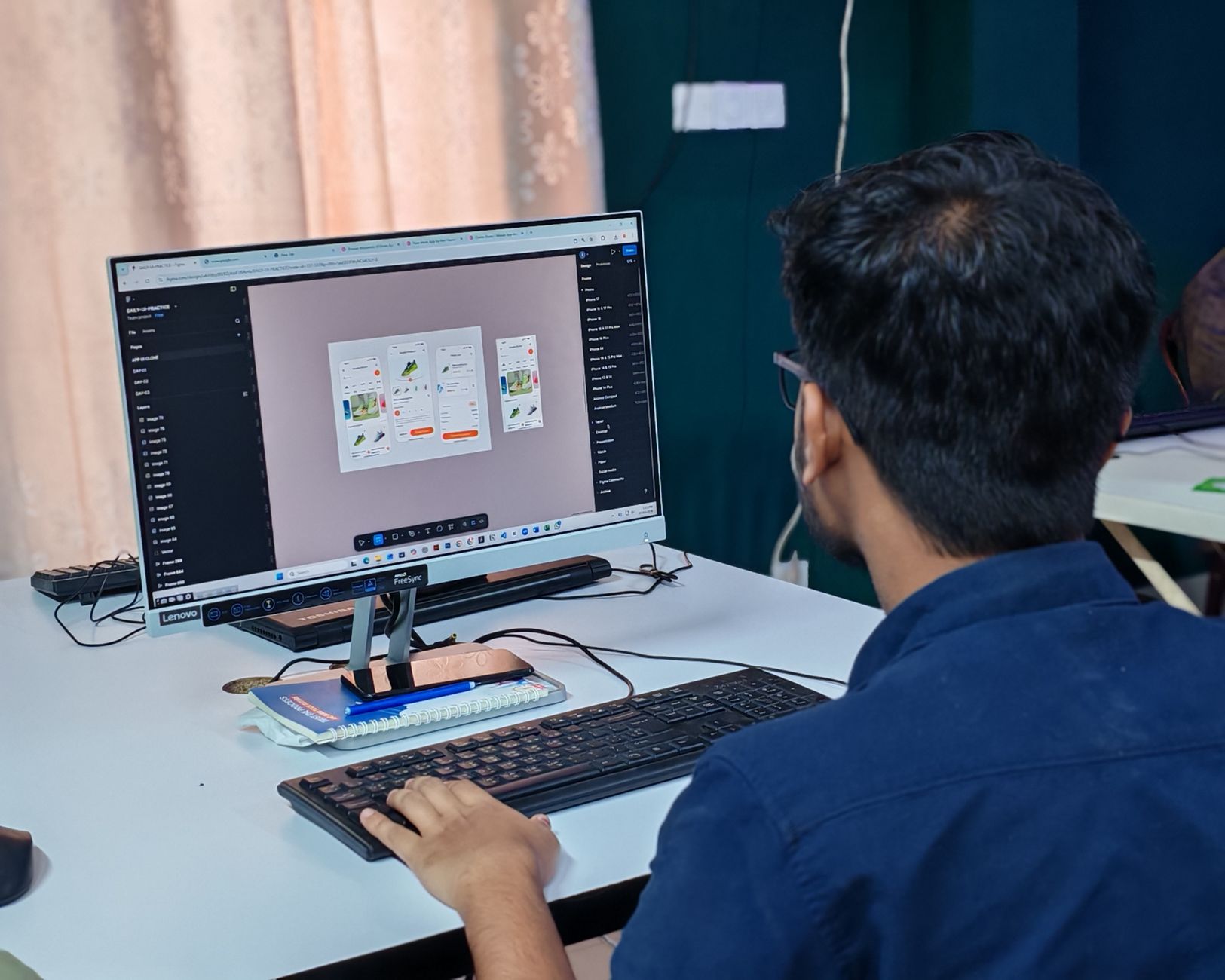
FlutterFlow vs Traditional App Development: A Complete Comparison
The landscape of application development is evolving rapidly. With the rise of low-code and no-code platforms, developers and businesses now have powerful alternatives to traditional coding. Among these, FlutterFlow has emerged as a standout tool, enabling rapid building of high-quality mobile and web apps using Flutter. But how does it truly stack up against traditional app development? This comprehensive guide provides an in-depth comparison, covering development speed, cost, scalability, customization, performance, and more. Whether you're a startup founder, an agency leader, or an experienced developer, understanding these differences is crucial for making informed decisions.
What Is FlutterFlow?
FlutterFlow is a visual, low-code development platform that allows users to build native cross-platform applications for Android, iOS, web, and desktop using Flutter. It provides a drag-and-drop interface for UI design, built-in widgets, Firebase integration, and the ability to write custom code. Unlike pure no-code tools, FlutterFlow offers advanced customization through custom functions, API integrations, and code export, making it a powerful hybrid in the low-code space.
Key Features of FlutterFlow
- Visual Editor: Drag-and-drop UI builder with real-time preview.
- Custom Code: Add logic and custom widgets when needed.
- Firebase & Supabase Integration: Seamless backend connectivity.
- Responsive Design: Build for mobile, tablet, and web from one project.
- Code Export: Export clean Flutter/Dart code to continue development locally.
- Version Control: Built-in Git integration.
- Collaboration: Team features for shared development.
What Is Traditional App Development?
Traditional app development (also called custom development) involves writing code from scratch using programming languages like Dart (Flutter), Swift (iOS), Kotlin (Android), or JavaScript (web). It offers complete control over every aspect of the application, from architecture to pixel-perfect UI. This approach is typically followed by experienced developers and teams using IDEs, version control, and manual testing.
Key Characteristics of Traditional Development
- Full Control: Every line of code is authored by the developer.
- Custom Architecture: Design patterns, state management, and backend infrastructure are built manually.
- High Flexibility: Any feature, integration, or design can be implemented.
- Manual Testing: Unit, widget, integration, and UI tests written by hand.
- Steep Learning Curve: Requires proficiency in programming languages, frameworks, and tools.
Development Speed and Time-to-Market
One of the most significant differences between FlutterFlow and traditional development is the speed of building and deploying applications.
| Aspect | FlutterFlow | Traditional Development |
|---|---|---|
| Initial build | Days to weeks | Weeks to months |
| UI creation | Drag-and-drop (hours) | Hand-coded (days) |
| Backend integration | Built-in Firebase/Supabase connectors (hours) | Manual setup (days) |
| Prototyping | Immediate visual feedback | Requires build run cycle |
| Changes iteration | Minutes | Hours to days |
FlutterFlow accelerates development through visual building, pre-built components, and automatic code generation. For example, a simple e-commerce app that might take a team of two developers 3 months in traditional development could be built in 4-6 weeks with FlutterFlow by an experienced builder. However, for simple MVPs, FlutterFlow can reduce time by up to 70%.
Example: A startup needed a cross-platform proof-of-concept for a food delivery app. Using FlutterFlow, they built a working prototype with user authentication, order placement, and real-time tracking in just 3 weeks. Traditional development would have taken at least 2-3 months.
Cost Comparison
Cost is a critical factor for businesses. The following table breaks down typical costs:
| Cost Factor | FlutterFlow | Traditional Development |
|---|---|---|
| Developer rates | $30-$80/hr (low-code specialist) | $50-$150/hr (senior developer) |
| Development hours | 200-500 (typical SMB app) | 800-2000 (same complexity) |
| Tooling & licenses | $30-$70/user/month | Free (open source) |
| Maintenance | Lower (platform handles updates) | Higher (manual updates) |
| Total project cost (est.) | $10k-$60k | $40k-$250k+ |
FlutterFlow reduces development hours significantly, leading to lower upfront costs. However, traditional development may offer better long-term value for complex, large-scale applications due to full control over performance and architecture.
Customization and Flexibility
FlutterFlow offers extensive customization but within its ecosystem. You can:
- Write custom Dart code for logic and complex functionality.
- Use custom widgets to implement any UI element not in the library.
- Integrate any REST or GraphQL API.
- Export the code for further modification.
However, there are limitations:
- Some advanced Flutter features (e.g., custom canvas painting, complex animations) require manual coding that may be harder to integrate.
- You are constrained by the platform's supported widgets and actions, though custom code bridges the gap.
Traditional Development offers unlimited flexibility. Developers can implement any design, any third-party library, any custom native module, and any performance optimization. For apps requiring unique interactions, heavy computation, or specific hardware access (e.g., Bluetooth, NFC), traditional development is often necessary.
Performance
Performance can vary between the two approaches:
| Metric | FlutterFlow | Traditional Development |
|---|---|---|
| Startup time | Comparable to hand-coded Flutter (since code is exported) | Identical if same code base |
| Frame rate | Usually 60fps, but may suffer if many custom widgets | Optimized for high fps |
| Memory usage | Slightly higher due to generated code overhead | Lower with optimized code |
| App size | Often larger due to unused included libraries | Smaller if tree-shaken |
Because FlutterFlow exports standard Flutter/Dart code, the performance difference is minimal for most apps. However, handcrafted code can be more precisely optimized for memory and speed, which is critical for games, real-time processing, or resource-constrained devices.
Scalability
Scalability involves both technical (code architecture) and team aspects.
Technical Scalability:
- FlutterFlow generates code that can be further developed manually, so your app can scale in complexity. However, the initial generated code may not follow best practices for state management or modular architecture. Refactoring is possible but may require additional effort.
- Traditional development allows designing a scalable architecture from day one (e.g., using BLoC, Redux, Riverpod). For enterprise apps with complex business logic, traditional development is more straightforward for scaling.
Team Scalability:
- FlutterFlow is easier for smaller teams or non-developer team members (designers, product managers) to contribute. However, as the codebase grows, hand-coding parts become necessary, and the platform's visual editor can become cumbersome for very large projects.
- Traditional development requires a team of skilled Flutter developers but is well-suited for large teams with clear separation of concerns, code reviews, and standard developer tooling.
Code Quality and Maintainability
| Aspect | FlutterFlow | Traditional Development |
|---|---|---|
| Code readability | Generated code can be verbose and less readable | Developer-written code follows clean patterns |
| Refactoring | Moderate (generated code is standard Flutter) | Easy with IDE tools |
| Testing | Relies on manual testing; automated testing possible after export | Full testing framework (unit, widget, integration) |
| Documentation | Requires manual documentation | Inline documentation possible |
For long-lived applications, traditional development typically yields cleaner, more maintainable code. FlutterFlow's generated code is functional but may require cleanup for long-term maintainability.
Integration and Ecosystem
Both approaches support integration with third-party services, but the effort differs:
| Integration Type | FlutterFlow | Traditional Development |
|---|---|---|
| Firebase/Supabase | Native, drag-and-drop | Manual setup |
| REST APIs | Custom API calls (visual or code) | Manual HTTP requests |
| Third-party SDKs | Limited to community or custom widgets | Full native SDK support |
| Native modules | Not directly, but custom code possible | Full access |
FlutterFlow excels in the Firebase ecosystem. For other backends or specialized services, custom code is often required, which still reduces development time compared to building from scratch.
Learning Curve and Required Skills
| Role | FlutterFlow | Traditional Development |
|---|---|---|
| Visual designer | No coding required for basic apps | Not applicable |
| Product manager | Can prototype independently | Needs developer |
| Junior developer | Learn in weeks | Learn in months |
| Senior developer | Learn in days | Already proficient |
FlutterFlow lowers the barrier to entry, enabling designers and product managers to create functional apps. However, for complex apps, deep Flutter knowledge is still needed to write custom code effectively.
When to Choose FlutterFlow
FlutterFlow is ideal when:
- Rapid prototyping: Validate an idea quickly and cheaply.
- MVP development: Build a minimal viable product to secure funding or gain early users.
- Small to medium complexity apps: CRUD apps, social networks, e-commerce, content platforms.
- Firebase-centric projects: Strongly leverage Firebase's backend.
- Limited budget: Significantly lower costs.
- Non-technical founders: Empower product vision without a large dev team.
Example: A fitness coaching app with user profiles, workout logging, and integration with a fitness API was built entirely in FlutterFlow by a solo entrepreneur in 5 weeks. Cost was under $15,000, whereas a traditional estimate was $50,000+.
When to Choose Traditional Development
Traditional development is better when:
- High performance required: Games, real-time video processing, complex animations.
- Unique or complex features: Custom native modules, advanced hardware integration (e.g., AR, Bluetooth).
- Scalable enterprise architecture: Microservices, custom state management, high load.
- Tight security and compliance: HIPAA, GDPR, or banking regulations requiring custom security.
- Long-term maintenance: Large team, extensive automated testing, and clean code needed.
Example: A telemedicine app requiring HIPAA compliance, real-time video conferencing, and integration with legacy hospital systems was developed traditionally. The complexity demanded custom code handling, security audits, and specialized libraries.
A Hybrid Approach: Best of Both Worlds
Many successful projects combine FlutterFlow and traditional development. Start with FlutterFlow for the frontend and basic backend, then export the code and continue development in a traditional environment. This hybrid approach offers:
- Fast initial build and iteration.
- Full control after export for complex features.
- Lower cost during the prototype phase.
- Maintainability through manual code refinements.
At FlutterFlow Agency, we often recommend this approach to clients. We build the core app in FlutterFlow, export the code, and then enhance it with custom modules, performance optimizations, and rigorous testing.
Case Study: Flipper — From Idea to Market in 3 Months
Client: A startup aiming to launch a social marketplace for local artisans. Need: Cross-platform app with user profiles, product listings, in-app messaging, and payment processing. Approach: Hybrid.
- Phase 1 (4 weeks): Full FlutterFlow build with Firebase, including authentication, product catalog, and chat UI.
- Phase 2 (8 weeks): Code export and traditional enhancement — added custom payment provider, optimized chat, implemented search, and wrote automated tests. Result: App launched on time and under budget ($35k vs $100k estimated pure custom). User adoption exceeded targets.
Future Trends: The Rise of Low-Code and AI Integration
Gartner predicts that by 2025, 70% of new applications will use low-code or no-code platforms. AI is further accelerating this trend, with tools like FlutterFlow integrating AI-powered components for features like recommendation engines, chatbots, and dynamic content. Traditional development will remain essential for complex and critical systems, but low-code is becoming the standard for speed and accessibility.
Conclusion
Choosing between FlutterFlow and traditional app development depends on your project's specific needs, budget, timeline, and long-term goals. FlutterFlow excels in speed, cost, and accessibility, making it perfect for startups, MVPs, and small-to-medium apps. Traditional development offers unmatched flexibility and control for complex, high-performance, or enterprise-grade applications.
At FlutterFlow Agency, we have extensive experience in both realms. We guide clients to the best approach, often combining them for optimal results. Whether you're exploring FlutterFlow or need a custom-built solution, we invite you to schedule a free consultation to discuss your project.
Key Takeaways:
- FlutterFlow reduces development time by 50-70% for typical apps.
- Total cost can be significantly lower, but traditional development may be worth the investment for complex projects.
- Performance is similar for most use cases.
- For the best results, consider a hybrid strategy: build fast with FlutterFlow, then customize with traditional coding.
Next Steps:
- If you're new to FlutterFlow, read our FlutterFlow for Beginners guide.
- For a detailed step-by-step on building an MVP, check out How to Build an MVP in FlutterFlow.
- Ready to start? Contact our team for a free project assessment.
FlutterFlow vs traditional development is not a battle to win, but a choice to optimize. By understanding the strengths of each, you can make the decision that best serves your users and your business.