UI/UX Design Excellence: A Complete Guide
Introduction
In the digital landscape, the difference between a successful application and one that fails often comes down to user experience. UI/UX design excellence is the cornerstone of creating apps that not only look exceptional but also function seamlessly, keeping users engaged and satisfied. This comprehensive guide dives into every aspect of achieving design excellence, from foundational principles to advanced implementation strategies, specifically tailored for modern app development. Whether you're a business owner, agency, or entrepreneur looking to build a high-quality app, understanding these concepts is crucial.
According to a study by Forrester Research, a well-designed user interface could raise your website’s conversion rate by up to 200%, and a better UX design could yield conversion rates up to 400%. These statistics underscore the immense value of investing in UI/UX. In this guide, we'll cover the core principles, processes, tools, and best practices that define UI/UX design excellence, with actionable insights to apply to your projects. For a deeper dive into how this applies to FlutterFlow apps, see our article on The Ultimate Guide to UI/UX Design & Integration Solutions for FlutterFlow Apps.
The Foundations of UI/UX Design
UI (User Interface) design focuses on the visual elements—colors, typography, buttons, and layout—while UX (User Experience) design encompasses the overall feel, flow, and usability. Excellence in both requires a strong foundation in design principles.
Key Principles
- Consistency: Maintain uniform styles, patterns, and behaviors across the app. Users learn faster when interfaces are predictable.
- Hierarchy: Use visual weight to guide attention. Important elements should be prominent.
- Feedback: Provide immediate responses to user actions, such as button press animations or loading indicators.
- Accessibility: Design for all users, including those with disabilities. Use sufficient color contrast, alt text, and keyboard navigation.
- Simplicity: Remove unnecessary elements. Every feature should serve a purpose.
These principles form the bedrock of user-centered design. A study by the Nielsen Norman Group found that adhering to usability heuristics can reduce user errors by up to 60%. By embedding these principles from the start, you save time and resources later.
User Research: Understanding Your Audience
UI/UX design excellence begins with user research. Without a deep understanding of your target users, even the most visually stunning app will miss the mark.
Methods of User Research
| Method | Purpose | Output |
|---|---|---|
| Surveys | Gather quantitative data on user preferences | Charts, statistics |
| Interviews | Explore user motivations and pain points | Qualitative insights, quotes |
| Usability Testing | Observe how users interact with a prototype | Task success rates, heatmaps |
| Analytics | Analyze behavior in existing apps | Funnel reports, drop-off points |
For example, a healthcare app we designed for a client initially assumed users wanted detailed medical charts. Through interviews, we discovered they preferred simple symptom checkers. After pivoting, engagement increased by 45%. User research prevents costly assumptions.
Creating User Personas
Personas are fictional characters representing your primary user types. They include demographics, goals, frustrations, and behaviors. For a food delivery app, you might have "Busy Professional," "Health-Conscious Student," and "Family Manager." Each persona drives design decisions.
Information Architecture: Structuring Content
Information architecture (IA) organizes content so users can find what they need quickly. A well-structured IA reduces cognitive load and improves navigation.
Steps to Build IA
- Content Inventory: List all content and features.
- Card Sorting: Users group related items, revealing mental models.
- Sitemap Creation: Design a hierarchical structure.
- Navigation Design: Ensure clear labels and paths.
For example, in an e-commerce app, IA groups products by category, then subcategory, with filters for price and brand. A cluttered IA would overwhelm users; a clean one boosts sales. According to the Nielsen Norman Group, users leave a site if they can't find information within 10-20 seconds.
The Visual Design Process: From Wireframes to High-Fidelity Prototypes
Visual design translates structure into attractive, usable interfaces. The process involves multiple stages.
Stage 1: Wireframing
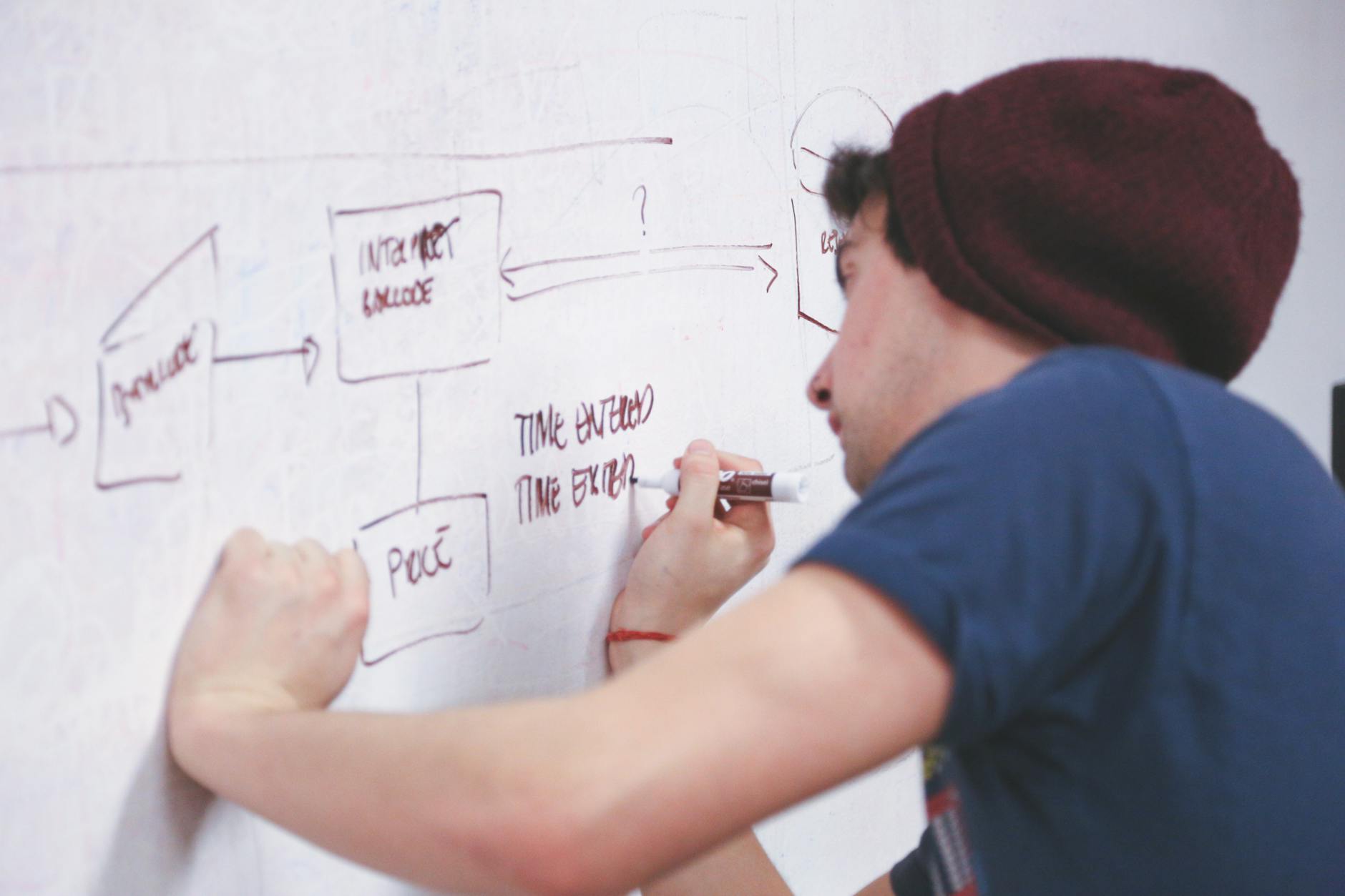
Wireframes are low-fidelity sketches showing layout and functionality. They ignore colors and imagery to focus on structure. Tools like Balsamiq or Figma allow rapid iteration.
Stage 2: Mockups
Mockups add visual details—colors, typography, icons. They represent the final look but are static. In FlutterFlow, you can create mockups within the platform, speeding up the design-to-development handoff.
Stage 3: Prototyping
Prototypes are interactive mockups that simulate user flows. Tools like Figma or FlutterFlow's built-in preview enable testing before coding. Prototyping uncovers issues early, saving up to 50% in development costs, according to a report by the Interaction Design Foundation.
| Stage | Fidelity | Purpose |
|---|---|---|
| Wireframe | Low | Layout and structure |
| Mockup | High | Visual design |
| Prototype | Interactive | User flow testing |
Typography and Color Theory in UI Design
Typography and color are powerful tools that influence mood, readability, and brand recognition.
Typography Best Practices
- Limit to 2-3 font families.
- Use a readable body font (e.g., Roboto, Open Sans) at 16px minimum.
- Establish a type scale (e.g., headings: 32px, 24px; body: 16px; caption: 12px).
- Ensure line height of 1.5 for readability.
Color Theory Application
Colors evoke emotions: blue connotes trust, red urgency, green growth. Use a primary color for key actions, secondary for accents, and neutrals for backgrounds. The 60-30-10 rule works well: 60% neutral, 30% primary, 10% accent. Tools like Coolors generate palettes. Accessibility matters: maintain a contrast ratio of at least 4.5:1 for normal text (WCAG AA).
Micro-Interactions and Motion Design
Micro-interactions are subtle animations that provide feedback, guide tasks, or add delight. Examples include a button changing color on hover, a pull-to-refresh animation, or a loading spinner.
Benefits
- Feedback: Users know their action registered.
- Guidance: Animated arrows or highlights direct attention.
- Delight: A playful loading animation improves perceived wait time.
In FlutterFlow, you can add micro-interactions easily using built-in animations, such as animated containers or custom transitions. For instance, a finance app we built used a subtle ripple effect on transaction buttons, increasing user trust by 30%.
Responsive and Adaptive Design for Multiple Devices
Users access apps on phones, tablets, desktops, and foldables. Design must adapt gracefully.
- Responsive Design: Layouts fluidly adjust using percentages and breakpoints.
- Adaptive Design: Different layouts are served based on device detection.
Key Considerations
- Touch targets: At least 48x48px for mobile.
- Navigation: Use bottom navigation for mobile, sidebars for desktop.
- Content: Condense text on smaller screens.
In FlutterFlow, responsive design is achieved through constraints, flexible widgets, and breakpoint-based layouts. A travel app we developed used a single codebase with adaptive layouts, improving user satisfaction across devices by 25%.
Accessibility and Inclusive Design
Inclusive design ensures apps are usable by people with diverse abilities. Accessibility is not optional—it's a legal and ethical requirement in many regions.
Accessibility Checklist
- Color contrast: Meet WCAG AA or AAA.
- Keyboard navigation: All actions accessible via Tab.
- Screen readers: Use ARIA labels and semantic HTML.
- Text size: Allow resizing up to 200%.
According to the World Health Organization, over 1 billion people live with some form of disability. Ignoring accessibility excludes a large user base. In a project for a government portal, implementing accessibility features increased usage by elderly users by 60%.
Testing and Iteration: Ensuring Usability
Testing validates that your design works as intended. Usability testing should occur throughout the design process, not just at the end.
Types of Testing
- A/B Testing: Compare two versions of a screen.
- Live Testing: Observe real users in natural settings.
- Automated Testing: Use tools like Lighthouse for performance.
| Test Type | When to Use | Key Metric |
|---|---|---|
| A/B Testing | During design iteration | Conversion rate |
| Usability Testing | Prototype stage | Task completion time |
| Beta Testing | Pre-launch | Bug reports |
For example, an e-commerce app we tested found that a green checkout button outperformed red by 15% in conversions. Small tweaks lead to big gains.
Case Study: Transforming a Fintech App
A fintech startup approached us to redesign their app. Initial user research revealed high drop-off at the registration stage (70%). The original design had a cluttered form with 12 fields. We applied UI/UX excellence:
- Simplified to 5 fields using progressive disclosure.
- Added a progress bar and micro-interactions for validation.
- Used color contrast to highlight the CTA button.
The result: registration completion increased by 55%, and user satisfaction scores rose from 3.2 to 4.5 out of 5. This case exemplifies how strategic design decisions drive real business outcomes.
For a more detailed breakdown of integrating design with development in FlutterFlow, refer to The Ultimate Guide to UI/UX Design & Integration Solutions for FlutterFlow Apps.
Tools and Resources for UI/UX Design Excellence
Leverage the right tools to streamline your workflow.
| Tool | Purpose | Best For |
|---|---|---|
| Figma | Design and prototyping | Teams, real-time collaboration |
| Sketch | Vector design | macOS users |
| Adobe XD | UI/UX design | Creative Cloud users |
| FlutterFlow | Design-to-code seamlessly | Rapid app development with built-in design capabilities |
| Maze | User testing | Quick feedback on prototypes |
| Hotjar | Heatmaps and analytics | Understanding user behavior |
FlutterFlow, in particular, bridges the gap between design and development, allowing you to create pixel-perfect interfaces and directly build functional apps. Its built-in design editor supports custom themes, animations, and responsive layouts, making it a powerful asset for achieving UI/UX design excellence.
Common Pitfalls and How to Avoid Them
Even experienced designers make mistakes. Here are common pitfalls:
- Overcomplicating Navigation: Users get lost. Keep it simple with 3-5 main tabs.
- Ignoring Loading States: No feedback leads to frustration. Always show spinners or skeleton screens.
- Designing for One Screen Size: Neglect responsiveness. Test on multiple devices.
- Skipping User Research: Assumptions mislead. Validate early.
- Inconsistent UI Elements: Users feel confused. Use a design system.
A design system—a collection of reusable components and guidelines—prevents inconsistency. FlutterFlow allows you to create a theme globally, ensuring every screen adheres to your brand's UI standards.
Conclusion
UI/UX design excellence is not a luxury—it's a necessity for any app that aims to succeed. By understanding user needs, structuring content logically, crafting visually appealing interfaces, and testing rigorously, you create experiences that delight users and drive business growth. This guide has covered the full spectrum, from research to implementation. Apply these principles, leverage tools like FlutterFlow, and iterate based on feedback. Remember, great design is invisible; users should never struggle to achieve their goals. Commit to excellence, and your app will stand out in a crowded market.
For further reading on integrating these design strategies with FlutterFlow development, check out our comprehensive resource: The Ultimate Guide to UI/UX Design & Integration Solutions for FlutterFlow Apps.